★★★★★
After testing four other booking apps... BookX immediately stood out
JD
Rainbow Flower Celebrate
Canada
.svg)

.avif)
We tested 5 Cowlendar alternatives- BookX, Appointo, Easy Appointment Booking, Meety, and Apntly on a real Shopify store. In this article, we're breaking down the comparison on features, pricing, limitations, customer reviews, and which industries they're best suited for.
Cowlendar has over 2000 reviews and a 4.9-star rating on the App Store. But here are some reasons why Shopify merchants look for alternatives:
If you’re here for any of these reasons, here are five alternatives that handle these differently:
Note: All pricing and features verified June 2026. Check each app's Shopify App Store listing for current rates and plan details.
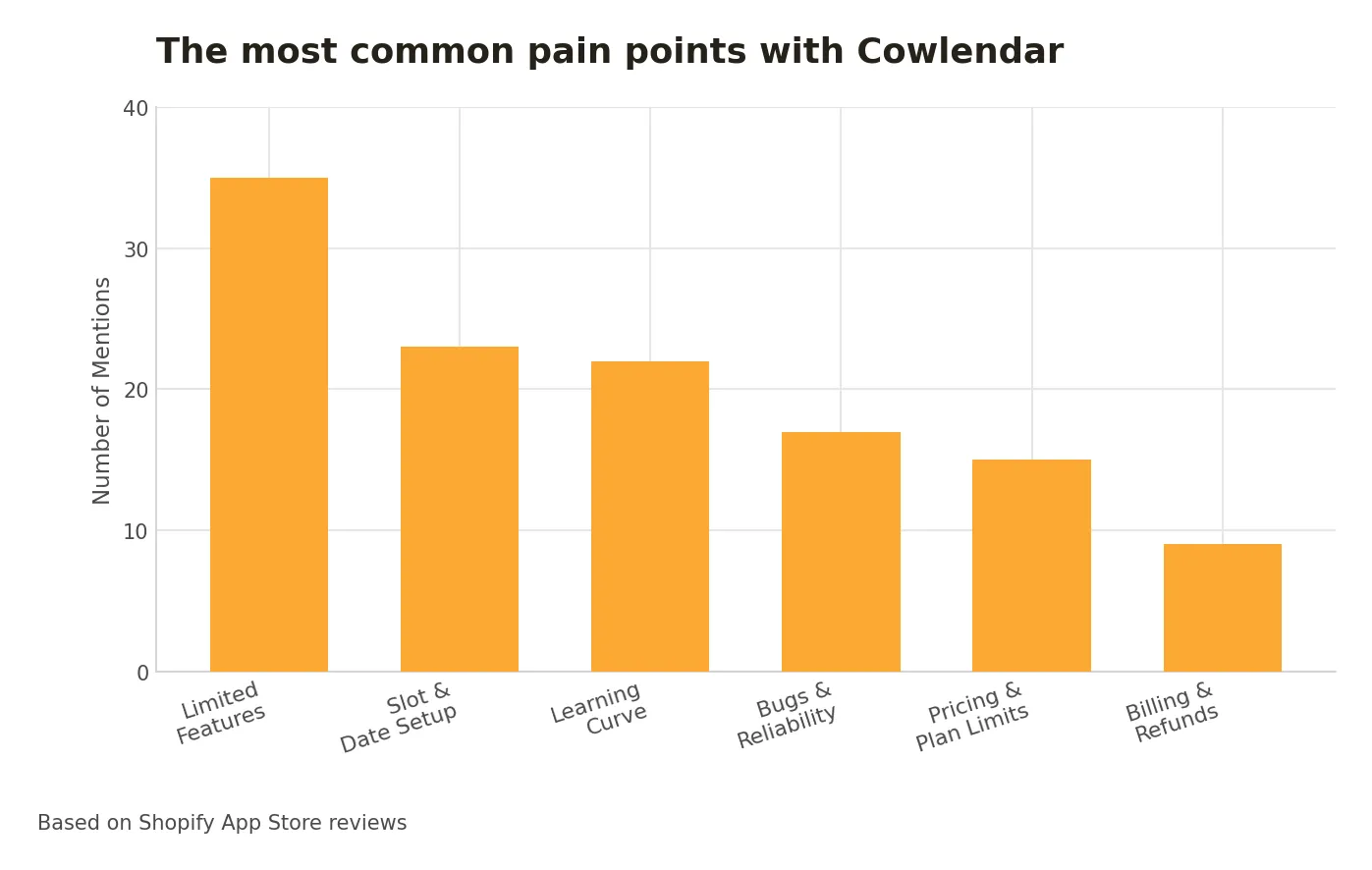
Based on Cowlendar's critical reviews on the Shopify App Store, here are a few pain points faced by customers:
Now, let’s look at the alternatives one by one.
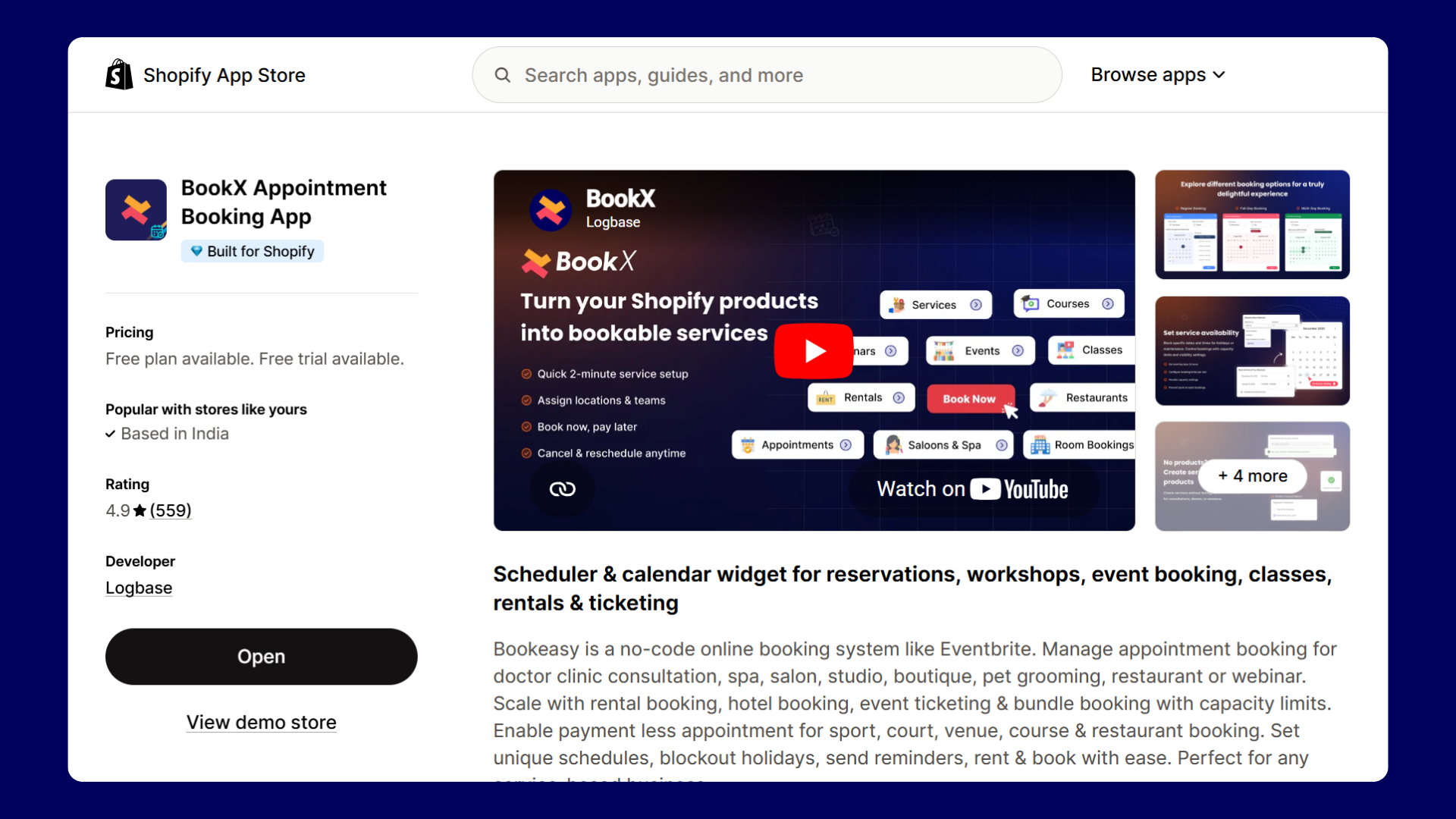
BookX is a no-code booking app for Shopify. You can manage appointments, rentals, events, and classes. You can also create appointments even without a product. You can manage staff, locations, and availability from one place, and customers can reschedule their bookings. The app integrates with Google Calendar, Zoom, and Klaviyo, and works on any Shopify theme without custom code.
BookX was even featured by Shopify in the best appointment booking apps for 2026 article.
Set up a service with or without a Shopify product. A yoga studio offering a free trial class can take bookings without creating a $0 product in their catalog.
BookX gives you a single shareable URL that shows all your services. Share it in your Instagram bio, email signature, or even DMs; bookings still process through Shopify checkout.
There are no booking caps, and the booking widget doesn’t disappear after a few orders. You get unlimited bookings, one service, one location, one team member, and all other features.
Each team member gets their own availability, break times, and Google Calendar connection. Customers can choose who they book with.
Customers manage their own bookings through a link in the confirmation email — no need to contact you.
If you run a rental business specifically, see our detailed guide on how to set up Shopify rentals.
Annual billing saves 15% across all tiers
Service businesses on Shopify managing bookings across multiple staff members, locations, and service types.
Check out the full breakdown of Shopify partial payments and deposits for bookings to understand how this works.
Appointo adds a scheduling pop-up to any product or service page on your Shopify store. You can create single-day appointments, multi-day bookings for rentals and tours, and recurring subscriptions. The app also integrates with Google, Outlook, Zoom, and Microsoft Teams, and lets team members manage their own availability.
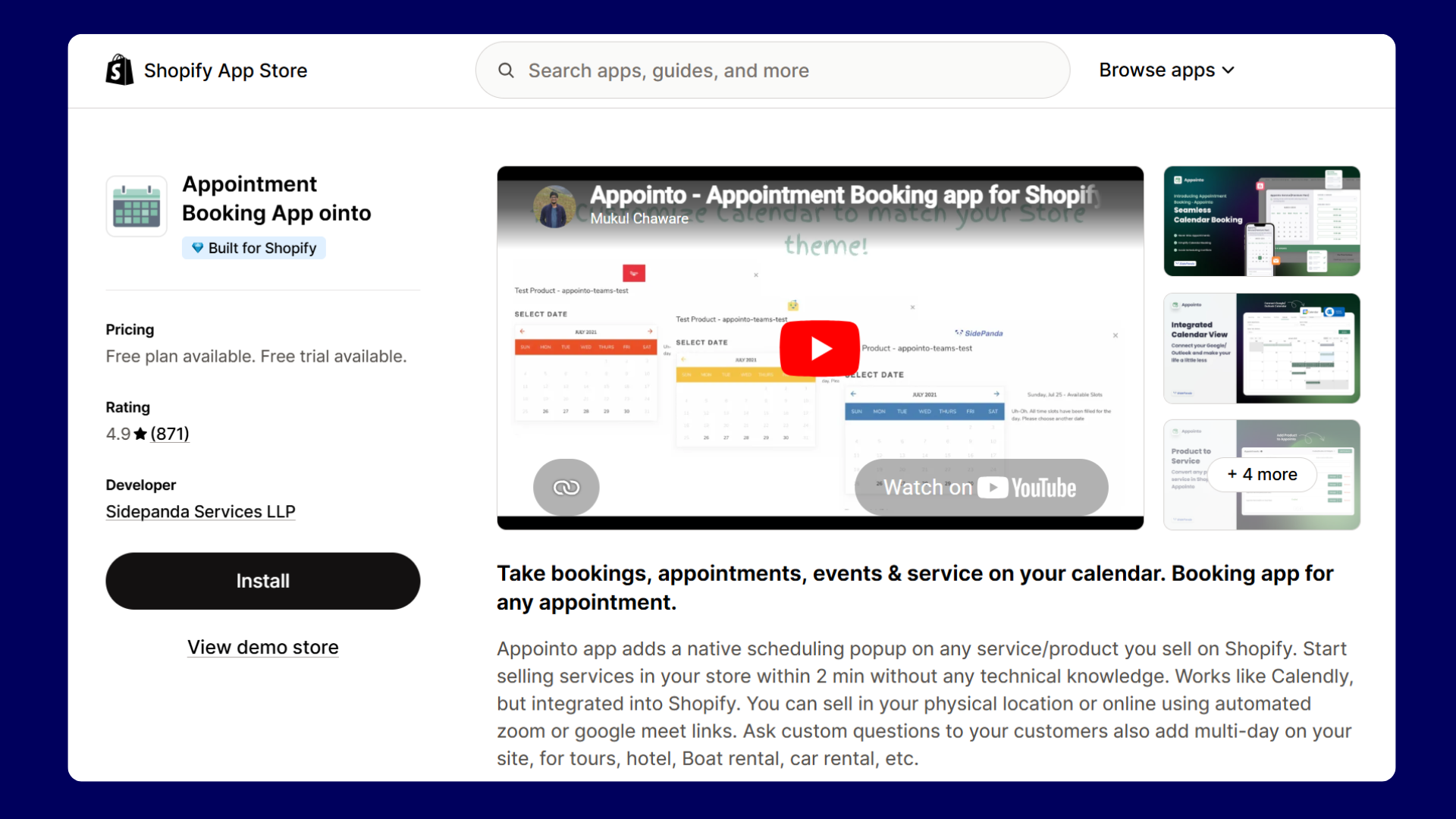
Appointo has a dedicated Subscriptions and Bundles tab. If your clients book the same session every week or buy class packs upfront, Appointo handles this natively.
Google Calendar, Outlook, Zoom, Apple Calendar, Google Meet, Microsoft Teams, HubSpot, Klaviyo, Zapier, and Signpanda for deposits. The only app on this list with native Microsoft Teams integration.
Month, week, work week, day, and agenda views with filters by service and team member — more useful than a flat booking list for busy schedules.
Set global availability once, and it applies across all services. Override individual services where needed.
One thing to note: team-member seats are purchased separately from the main plan. Adding staff carries an additional per-seat cost.
Coaching practices, fitness studios, and businesses running recurring or subscription-based sessions.
Consider Appointo for subscription and recurring appointments, and BookX as the better choice for service businesses with multi-staff scheduling and a clean free plan.
Easy Appointment Booking lets you turn any Shopify product into a bookable service. You can see a live preview of what your customers will see when you set it up. You can take paid bookings, free bookings, group events, and prepaid packages. Your staff gets their own login to see and manage their schedule, without needing access to your Shopify admin.
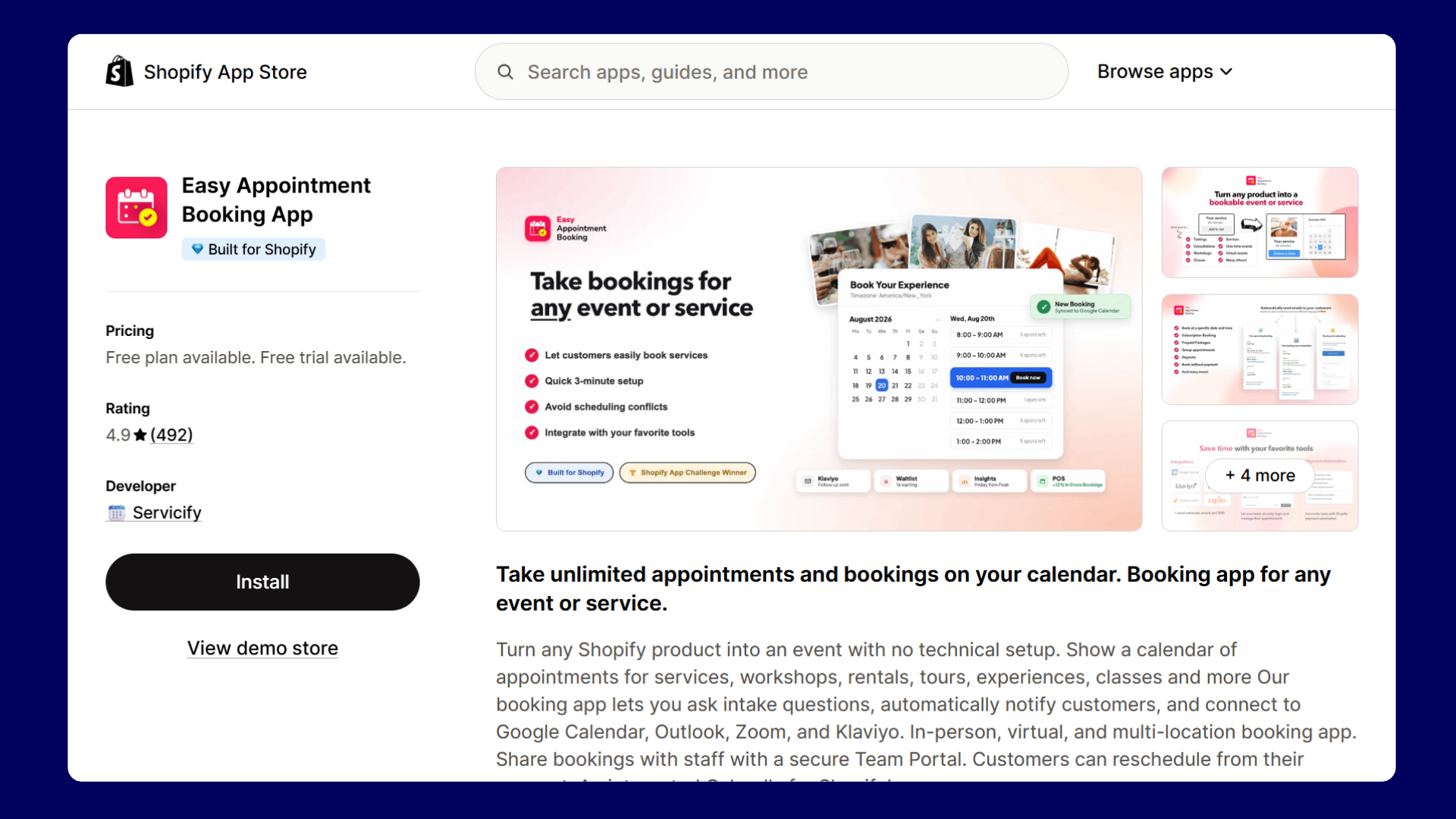
The customer-facing calendar updates beside you in real time as you configure. You see exactly what customers will see before anything goes live.
Pay to book, book without payment, or custom setup, and you get all first-class options from step one, not buried in settings.
Each team member gets their own login to manage their schedule without accessing your Shopify admin.
Post-appointment emails with a Leave a Review button are sent automatically, and no separate tool is needed.
Workshops, tastings, tours, and events where staff need their own schedule access.
Consider Easy Appointment Booking if you’re adding a booking system for the first time and want a simple setup flow. Choose BookX if you want to stay on a free or low-cost plan longer without hitting feature walls.
Meety lets you create hourly and day-based bookings, sell subscription sessions, collect deposits, and automatically add customers to a waitlist when a slot fills up. It syncs with Google Calendar, Outlook, Zoom, and Teams. Customers can reschedule or cancel on their own through a dedicated portal, without reaching out to you.
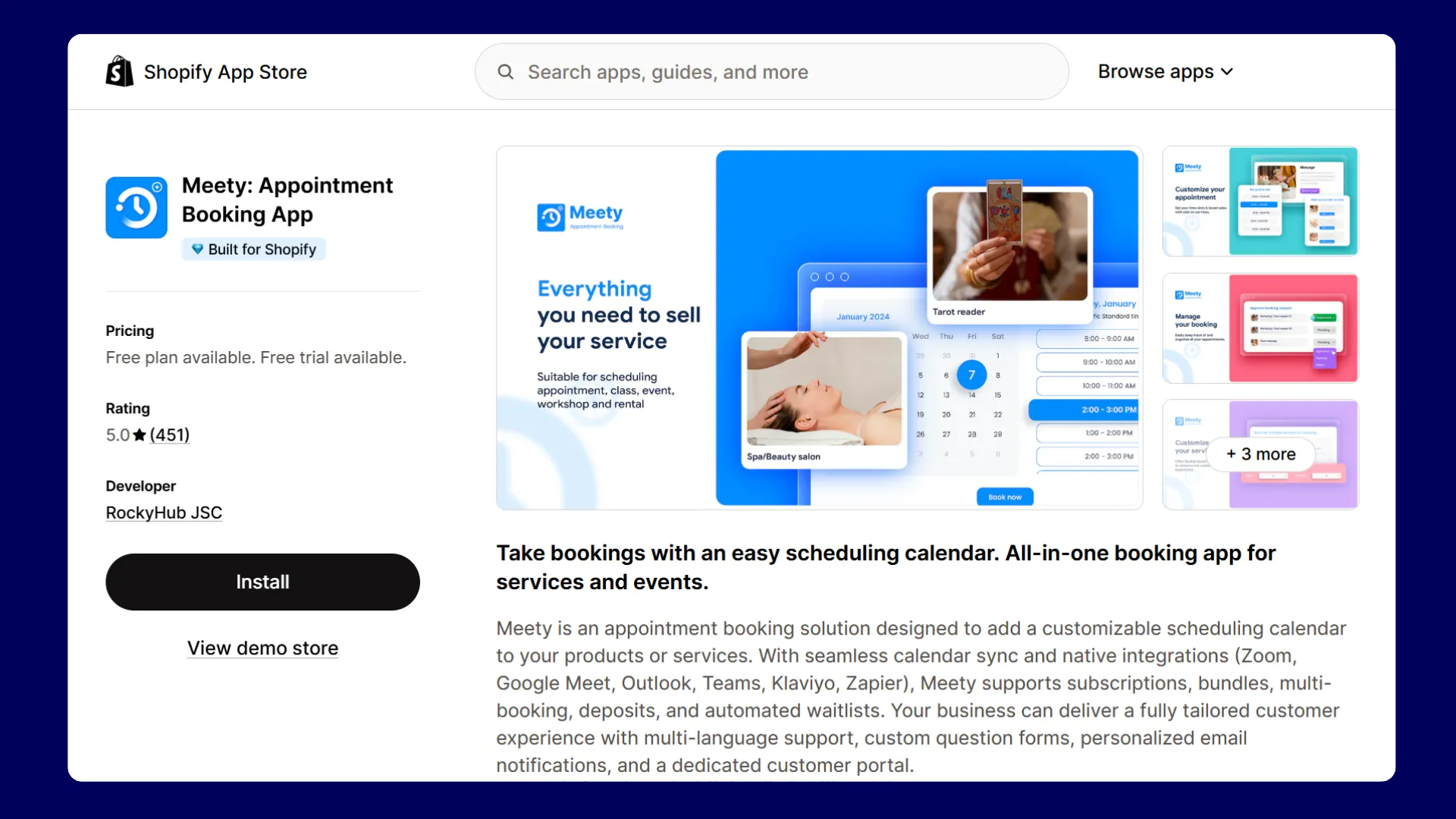
Meety holds a time slot while a customer completes payment, preventing double-booking. When a slot fills, customers join a waitlist and get notified automatically when a cancellation opens.
Assign two team members to one booking simultaneously for couples massage, photography sessions, or any service that needs two people present.
Set different prices by date, time slot, or demand level: peak season surcharges, weekend rates, or last-minute pricing.
Note: Yearly billing saves ~17%.
High-demand services that need waitlists, double-booking prevention, or co-staffed appointments.
Choose BookX if you need simplicity and pricing predictability when compared to Meety. Go with Meety when you need features like slot locking, co-staffed appointments, and seasonal pricing.
Apntly’s setup follows a three-step, product-linking flow: add a Shopify product, assign a team member, and configure availability. A ‘Book Now’ or ‘Schedule Now’ button then replaces the Add to Cart button on that product page. If you have ever used other booking apps with a multi-screen setup, Apntly will feel refreshingly straightforward.
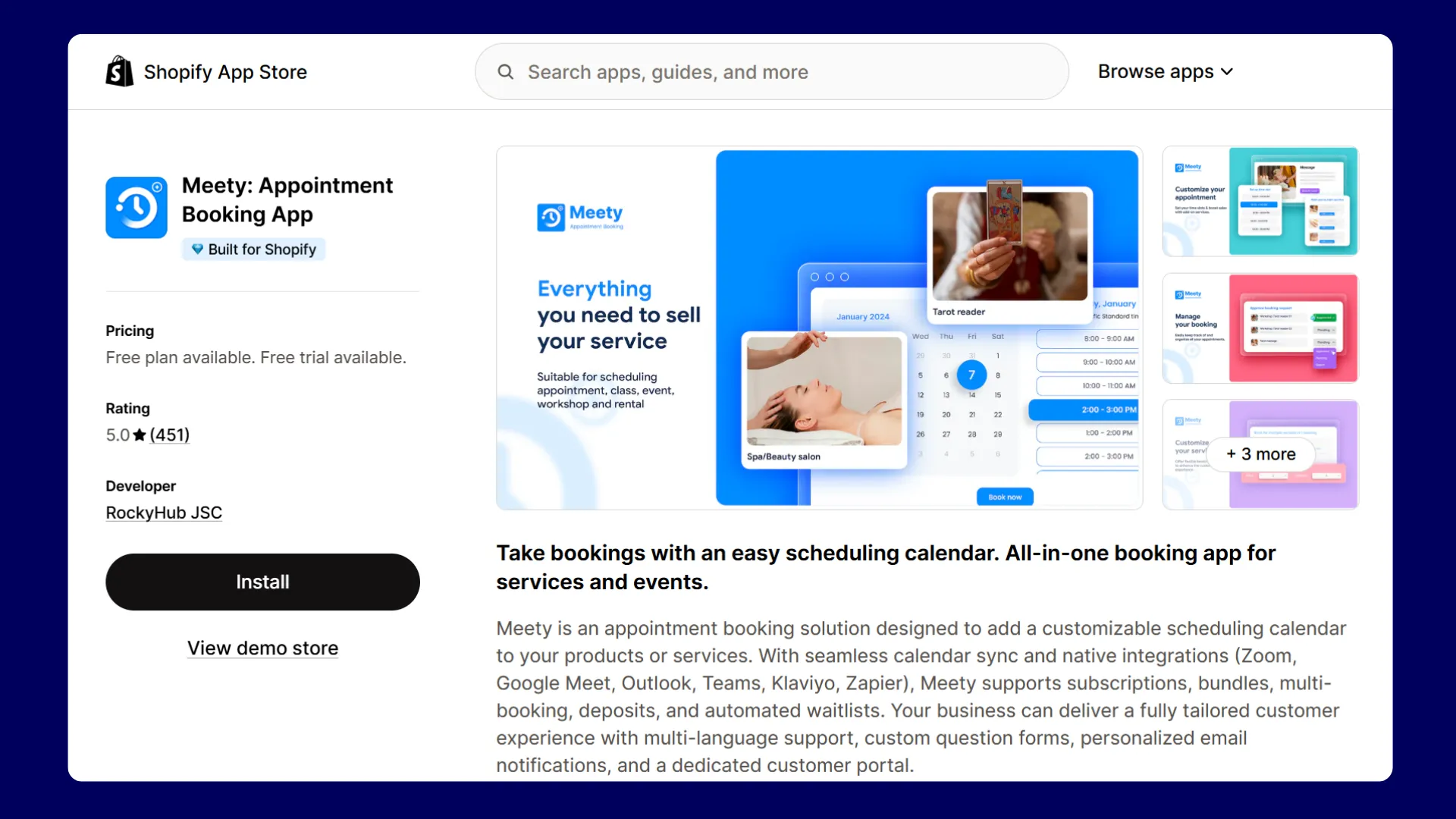
The $9/month Pro plan includes Google Calendar, Outlook, Zoom, group appointments, custom intake questions, and deposits which are features most apps split across two or three tiers.
If you are running a small business serving customers in different regions, you get that coverage in the free plan.
Similar to the Easy Appointment Booking app, each staff member gets their own separate dashboard to manage their schedule, and this is available even on the free plan
With the Pro plan, you can let customers pay a partial amount at booking and the remaining later. This will reduce no-shows without requiring full payment upfront.
Note: Both paid plans include a 14-day free trial. SMS notifications are billed separately via prepaid app credits.
Freelancers, tutors, photographers, and solo service providers who want full features under $10/month.
If budget is the deciding factor and your needs are straightforward, Apntly is the better deal. If you expect your booking setup to become more complex over time, BookX scales better.
After spending time inside all five apps, the right app is based on your needs:
Every business runs differently, and if you are looking for Cowlendar alternatives, any one of these five apps will feel like an improvement from day one.
Yes, but it is limited. Cowlendar's free plan stops working once you hit 5 monthly bookings. The booking widget then disappears from your store until you upgrade to the paid plan. If you are testing a new service or just getting started, that limit arrives faster.
The closest alternatives to Cowlendar on Shopify are BookX, Appointo, Easy Appointment Booking, Meety, and Apntly. All five add a booking widget to your Shopify store, handle staff scheduling, and process payments through Shopify's native checkout.
Cowlendar’s revenue-based pricing depends on how much monthly booking revenue your store can process: $1,000 on Starter ($13.99/month), $3,000 on Basic ($29.99/month), and $10,000 on Growth ($59.99/month). If your booking revenue exceeds the cap, you automatically move to the next tier.
No. Cowlendar's free plan is limited to 5 bookings per month. Once you hit that limit, the booking widget disappears from your storefront until you upgrade. The free plan also does not include live chat support.
You can embed a Calendly link on a Shopify page, but it is not a native integration. Customers click out of your store to complete the booking on Calendly's website, which breaks the checkout flow. Apps like BookX, Cowlendar, and Appointo work like Calendly but are built specifically for Shopify, so the entire booking happens inside your store without any redirects.
.svg)
.svg)
.svg)


.svg)