.svg)
How to Hide Shipping Options on Shopify Checkout (2026)
Last updated on
October 21, 2026
.png)
Offering express shipping on a $15 order? Or free shipping on a 40 kg order? Showing the wrong shipping method at checkout can cost you money and confuse your customers.
Merchants usually want to hide shipping options when:
- Express shipping costs more than a low-value order is worth
- Some rates should only show for specific zip codes or regions
- Freight or wholesale rates should only show for B2B buyers
Shopify’s own settings can hide a rate based on order price or weight. Set a minimum or maximum, and the rate shows only when the cart falls within that range. Anything beyond that, like hiding a rate for certain products, customers, zip codes, or time of day, needs an app.
How to hide shipping options on Shopify checkout using a third-party app
ShipX is a Shopify shipping app. Its delivery customization feature lets you control which shipping rates customers see at checkout. You set a condition, then choose what happens to your rates when that condition is met.
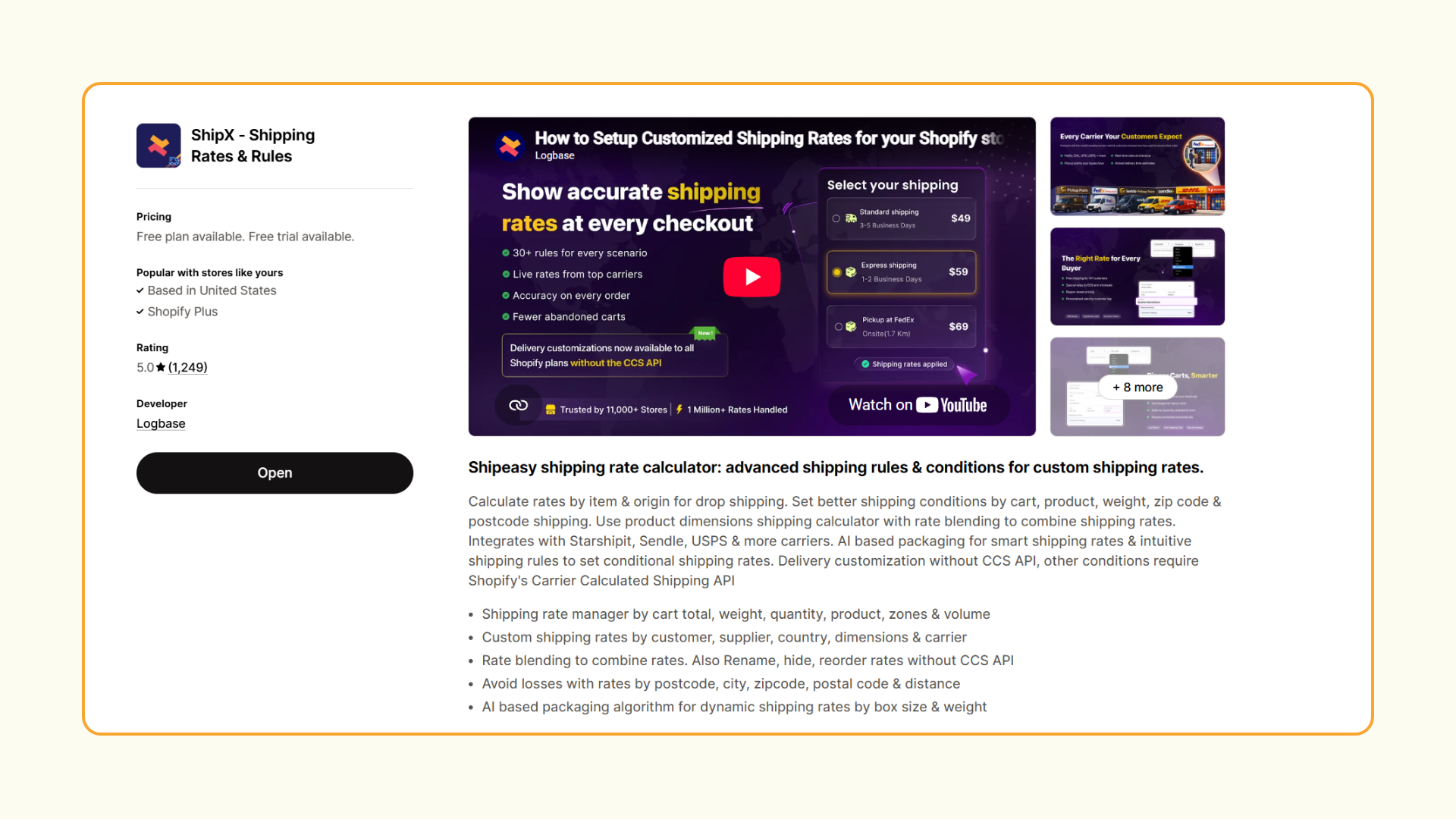
Note: Delivery customization can hide and reorder the rates already showing at checkout, including manual rates, carrier-calculated rates, local delivery, and pickup. It doesn’t create new rates. It works on every Shopify plan, including Basic and Starter, without CCS.
Here are some conditions you can use to hide shipping options:
How to hide shipping options based on product tag
In this example, ShipX hides express shipping whenever the cart contains a product tagged "oversized."
Step 1: Create a new scenario
- Go to the Rates section of the ShipX app.
- Click Create new scenario.
- Enter a name for the scenario.
Step 2: Set the condition
- Select Basic as the condition.
- Select Shipping under Apply this rule to.
- Click Add condition.
- Set the condition as: Product > Tag > Equals > oversized.
- Click Add.
Step 3: Set the action
- Click Add action.
- Set the action as: Hide specific rates > Rate name > Equals > Express Shipping.
- Click Add, then click Save.
Tip: Copy the rate name exactly as it appears at checkout. A small spelling or spacing difference can stop the rule from working.
Step 4: Test it
- Add products tagged “oversized” to your cart and go to checkout. Express shipping should be hidden.
- Remove it and add an untagged product. Express shipping should show again.
The mistake that catches most stores: if your rules hide every available rate for a cart, the customer has no shipping option and can’t check out. Make sure at least one rate always remains, especially when you stack several hide rules.
Other actions of ShipX Delivery Customization
Hiding rates is just one option. With the same conditions, you can also:
- Show rates: show specific rates, all rates, only the cheapest, or only the highest
- Add a message: add a note to a rate, like “Arrives in 1 to 2 days”
- Rename a rate: change how a rate’s name appears at checkout
- Reorder rates: move a rate to the top or bottom of the list
FAQ
1. How many delivery customization rules can I set up in ShipX?
You can create up to 25 delivery customization scenarios. This is a Shopify limit, and it’s shared across every app on your store that uses delivery customization. Each scenario you save in ShipX counts as one.
2. Can I hide shipping rates on Shopify without an app?
Partly. Shopify’s native settings can hide a manual rate based on order price or weight by adding a minimum or maximum condition. For any other conditions, you need an app like ShipX. Plus stores used to handle this with Shopify Scripts, but Shopify stopped running Scripts on June 30, 2026.
3. Does ShipX delivery customization work on all Shopify plans?
Yes, it works on every Shopify plan and doesn’t need CCS. That makes it useful for Basic and Starter stores that can’t use calculated rates, and for Plus stores replacing logic that used to run on Shopify Scripts.
Once your store has access to the CCS API, you can use the full version of ShipX, which adds:
- Shipping rates by cart total, weight, quantity, volume, or product
- Custom rates by customer, supplier, country, dimensions, or carrier
- Location-based rates by zip code, postcode, city, or distance
- Rate blending to combine rates from multiple rule sets
- AI-based packaging that picks the best box by size and weight
Conclusion
Hiding shipping options that don’t fit an order keeps costs in check and makes checkout simpler for customers. Shopify can handle simple price and weight rules on its own. For anything more, ShipX lets you hide rates using conditions like product tags, zip codes, customer type, or time of day.

.webp)
.avif)
.svg)
.svg)
.svg)


.svg)