How Gyms and Yoga Studios Take Bookings on Shopify (inside 3 real stores)
Last updated on
November 2, 2026
Most gyms and yoga studios start out managing sessions with a shared spreadsheet and manually handling bookings by calling or messaging customers. But it only gets complicated when you add a second instructor, a second class, or just gets busy enough that nobody can keep track anymore.
When that happens, you need a booking page that shows what runs, on which days, and what it costs and answers all of that without a message.
A booking app like BookX adds a calendar to your store, so a client can pick a class, choose a date and book a spot, and the studio sees who is coming.
The 3 studios below take class bookings on their Shopify stores:
- Freshwater Fitness (New Zealand): a community gym
- And Breathe Yoga (UK): a small yoga studio
- Green Lotus Studios (UK): a yoga and creative studio
Each one set up its booking page a different way. Here is what they did, and what you can borrow.
What a Shopify gym and yoga studio booking needs to handle
1. Freshwater Fitness (Kawakawa Bay, New Zealand)
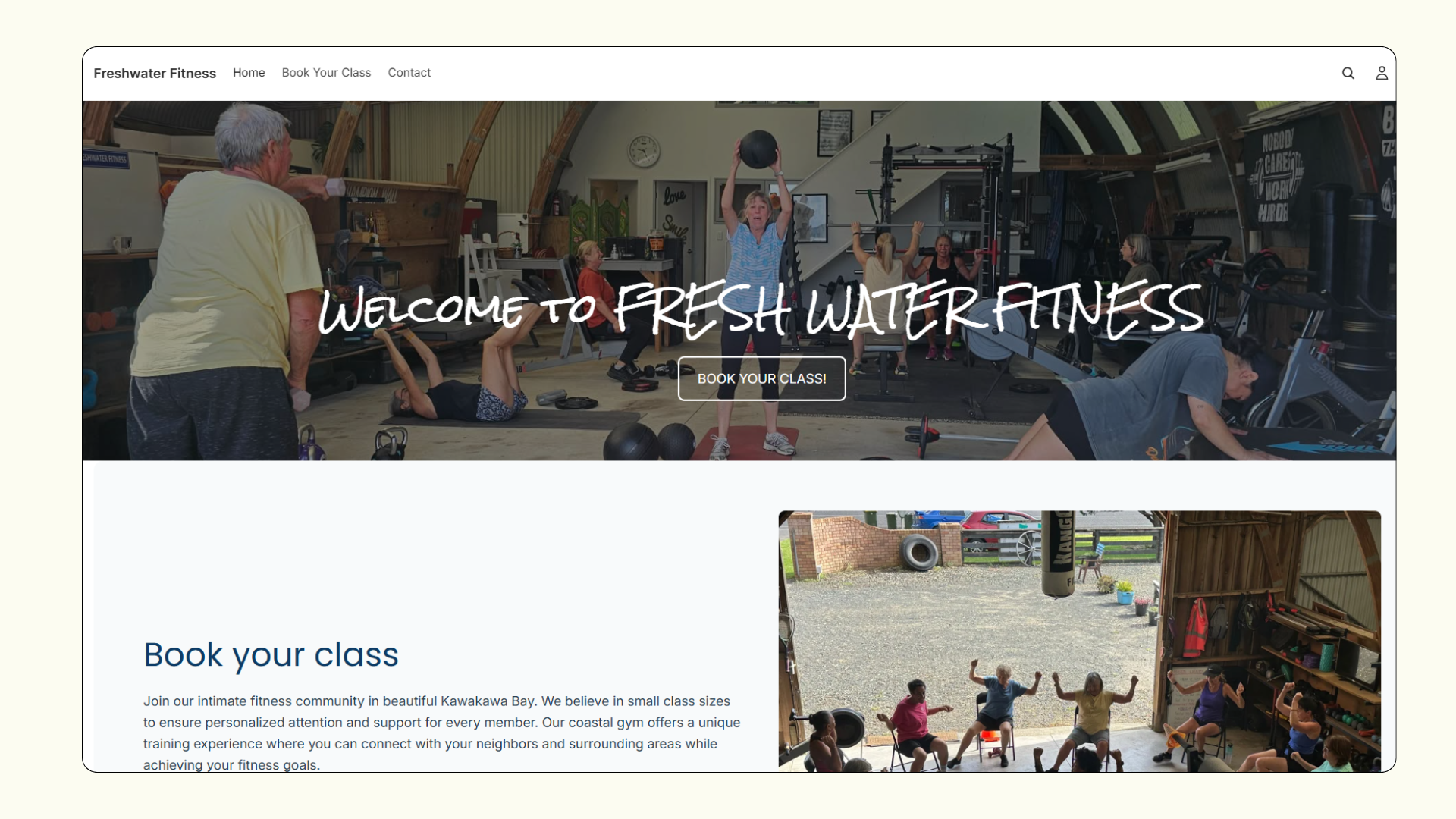
Freshwater Fitness is a community gym in Kawakawa Bay. It runs group classes such as Circuit, Box Fit, Sit Fit, Step Fit and Sweat, most at $10 a session.
The smart move
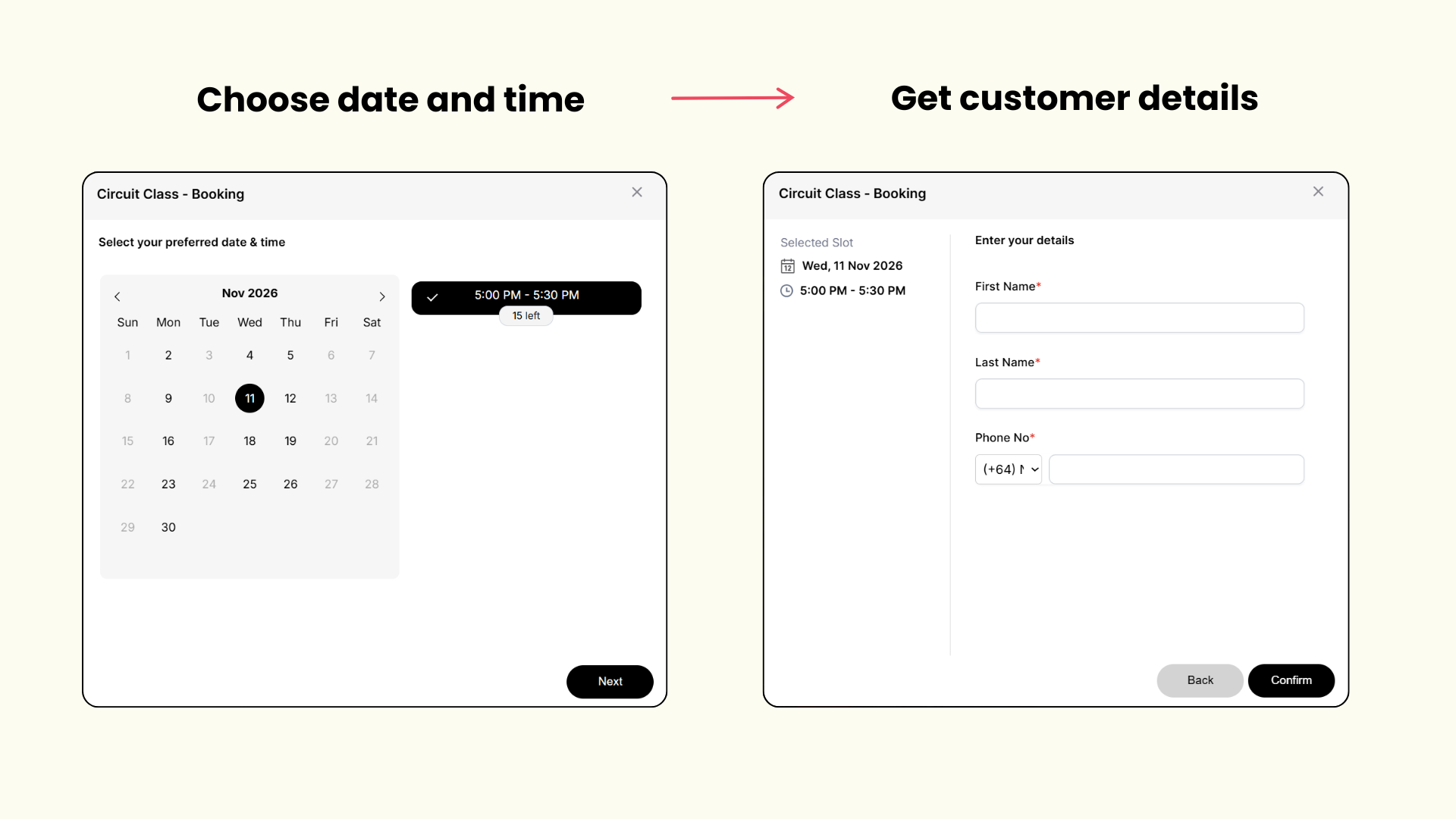
Each class has its own name and its own days. Their fitness classes run on Mondays, Wednesdays and Thursdays. Pick a day and the session shows how many spots are left. The client adds a first name, last name and phone number, then confirms.
Read how class and workshop take bookings.
Why it works
A client chooses what to do before choosing when. And they can only pick days the class actually runs.
What you can learn from Freshwater Fitness
Name each class for what it is, and give it only the days it runs. Your booking page then matches your timetable.
2. And Breathe Yoga (Cambridge, UK)
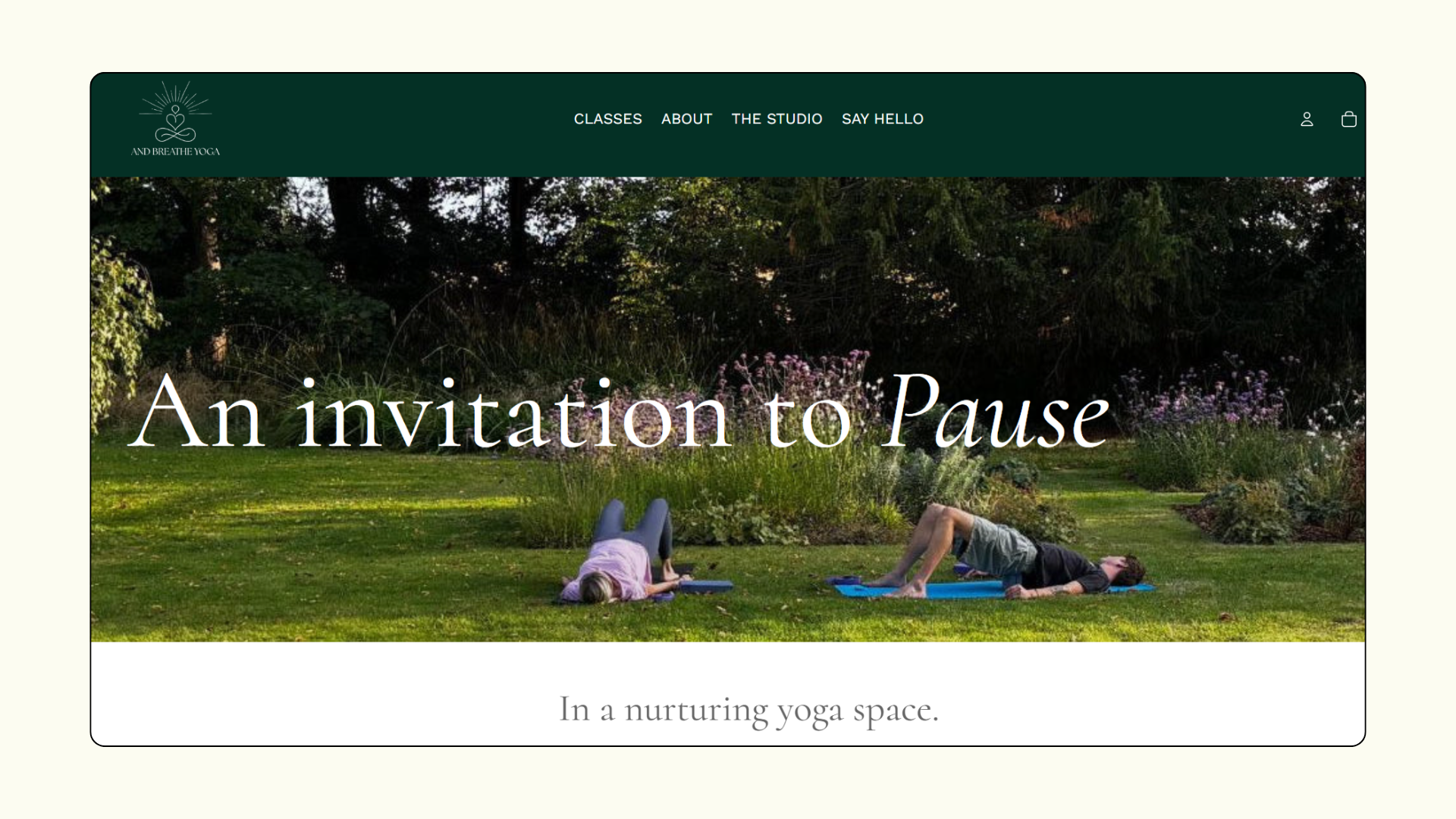
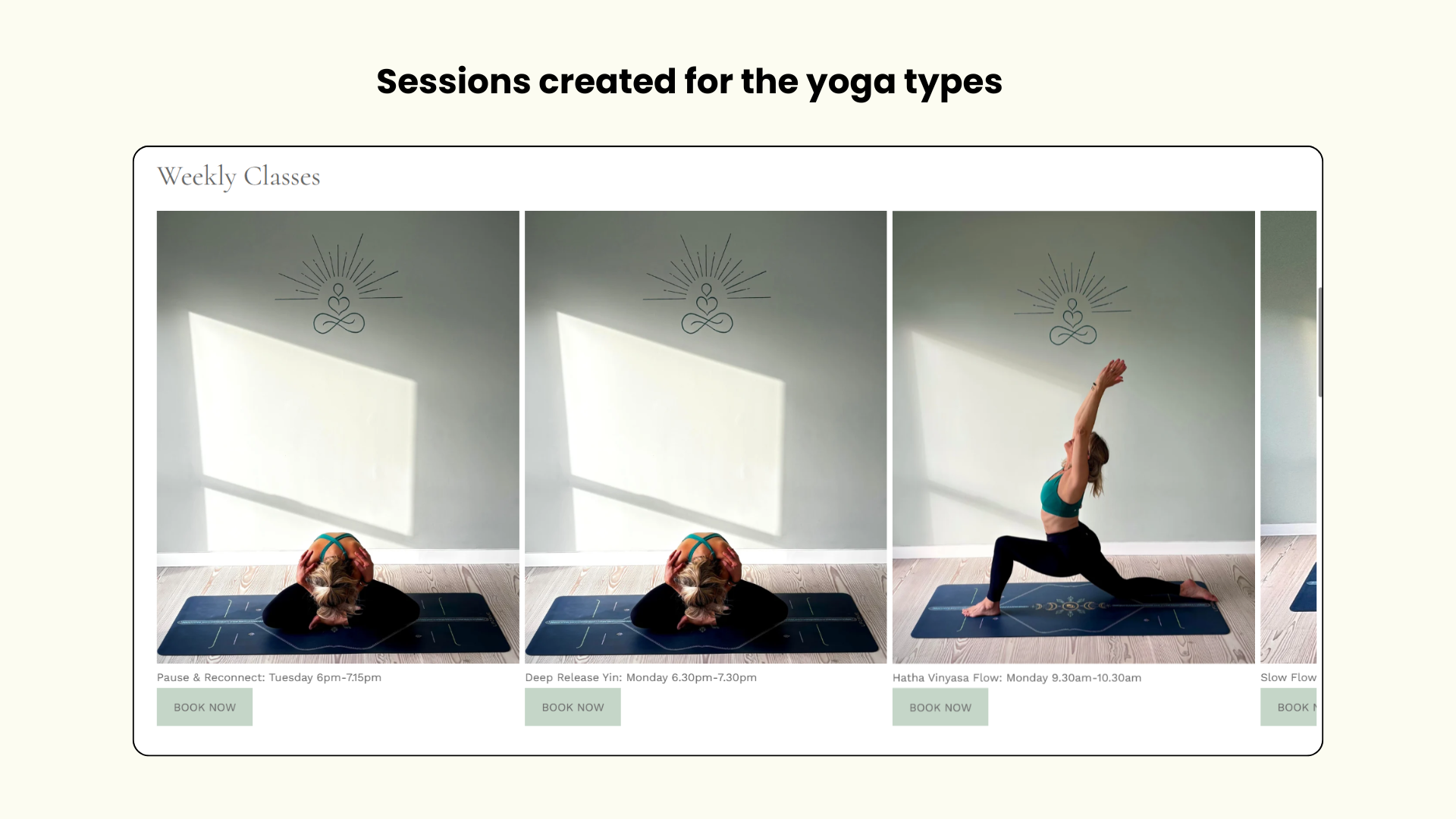
And Breathe Yoga is a small yoga studio near Cambridge, where Catherine teaches. Its weekly timetable has four types of yoga classes: Hatha Vinyasa Flow, Deep Release Yin, Pause & Reconnect and Slow Flow.
The smart move
The timetable is the shop. The homepage shows the weekly schedule, day by day, with a "Book Today" button. Each class on the schedule is its own product, named by the day and time it runs. When a client opens a class, the calendar only offers that class’s day, with its one time slot and the number of spots left.
Why it works
What the client reads on the homepage is exactly what they book. Each class opens only on its own day, so nobody books Monday's class for a Tuesday.
What you can learn from And Breathe Yoga
If your timetable is fixed, make each class its own bookable item and name it by day and time. Your schedule and your shop then say the same thing.
3. Green Lotus Studios (Narberth, UK)
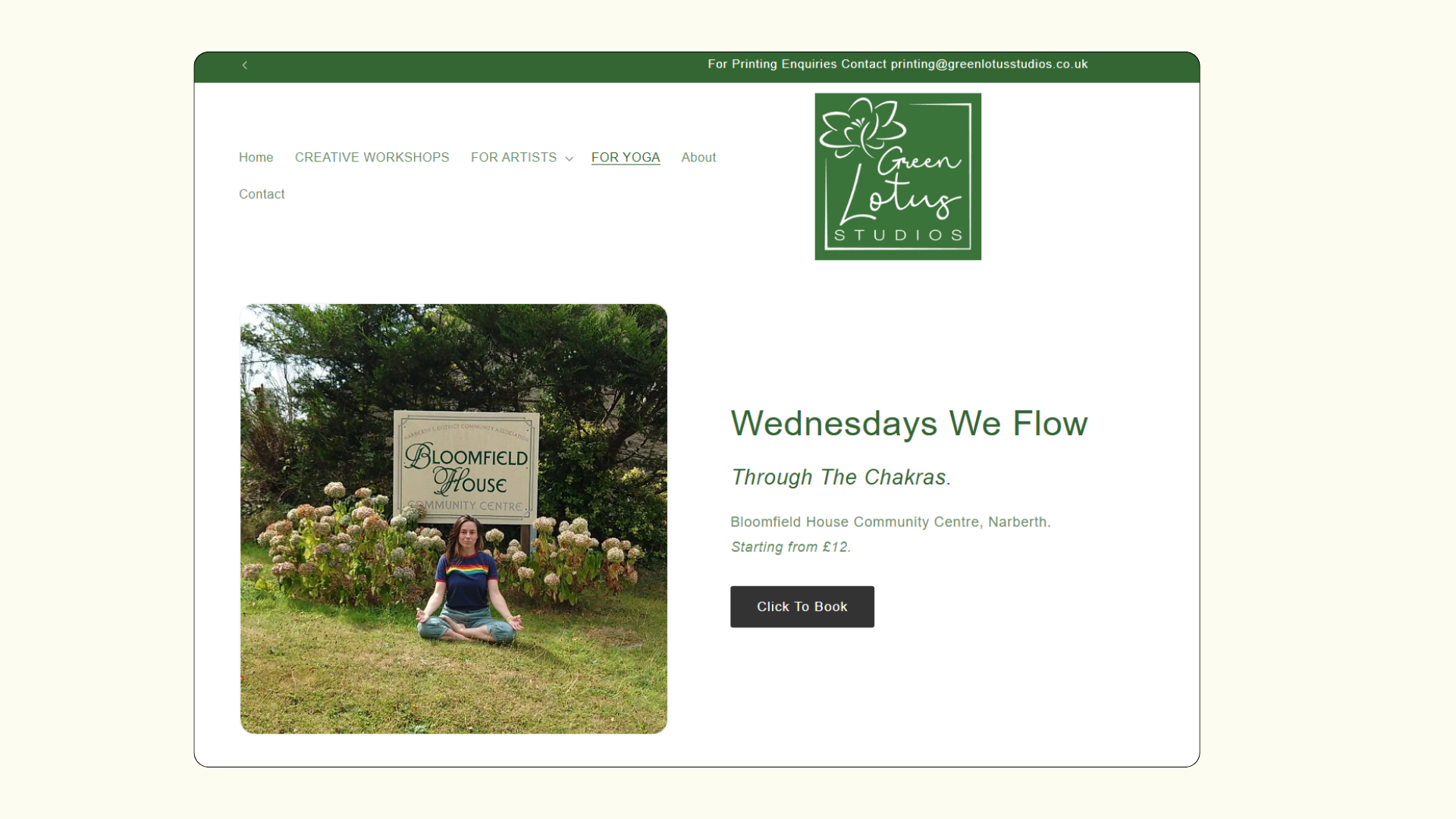
Green Lotus Studios runs yoga courses alongside creative workshops. Its weekly evening class is run as a series of short courses.
The smart move
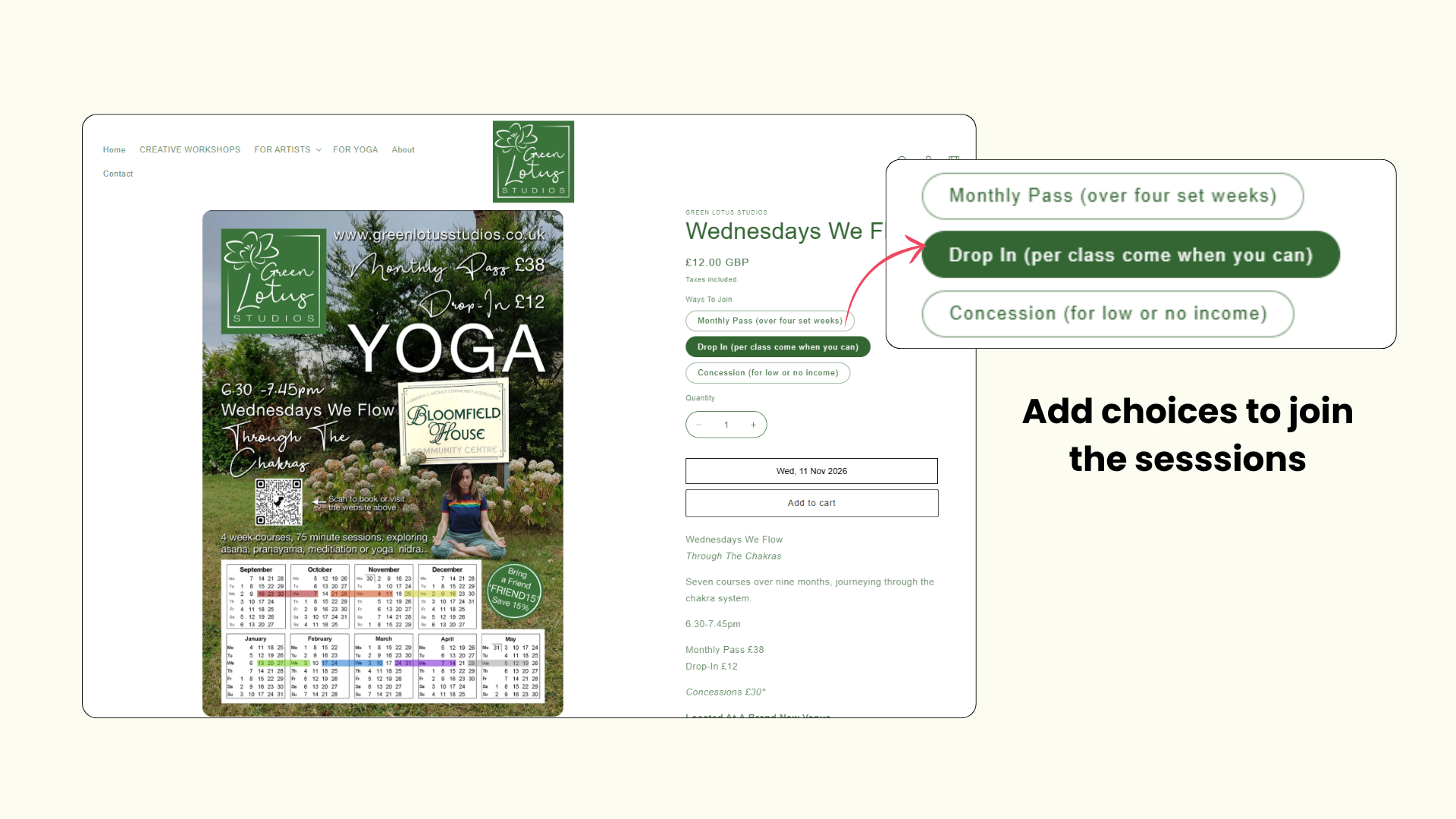
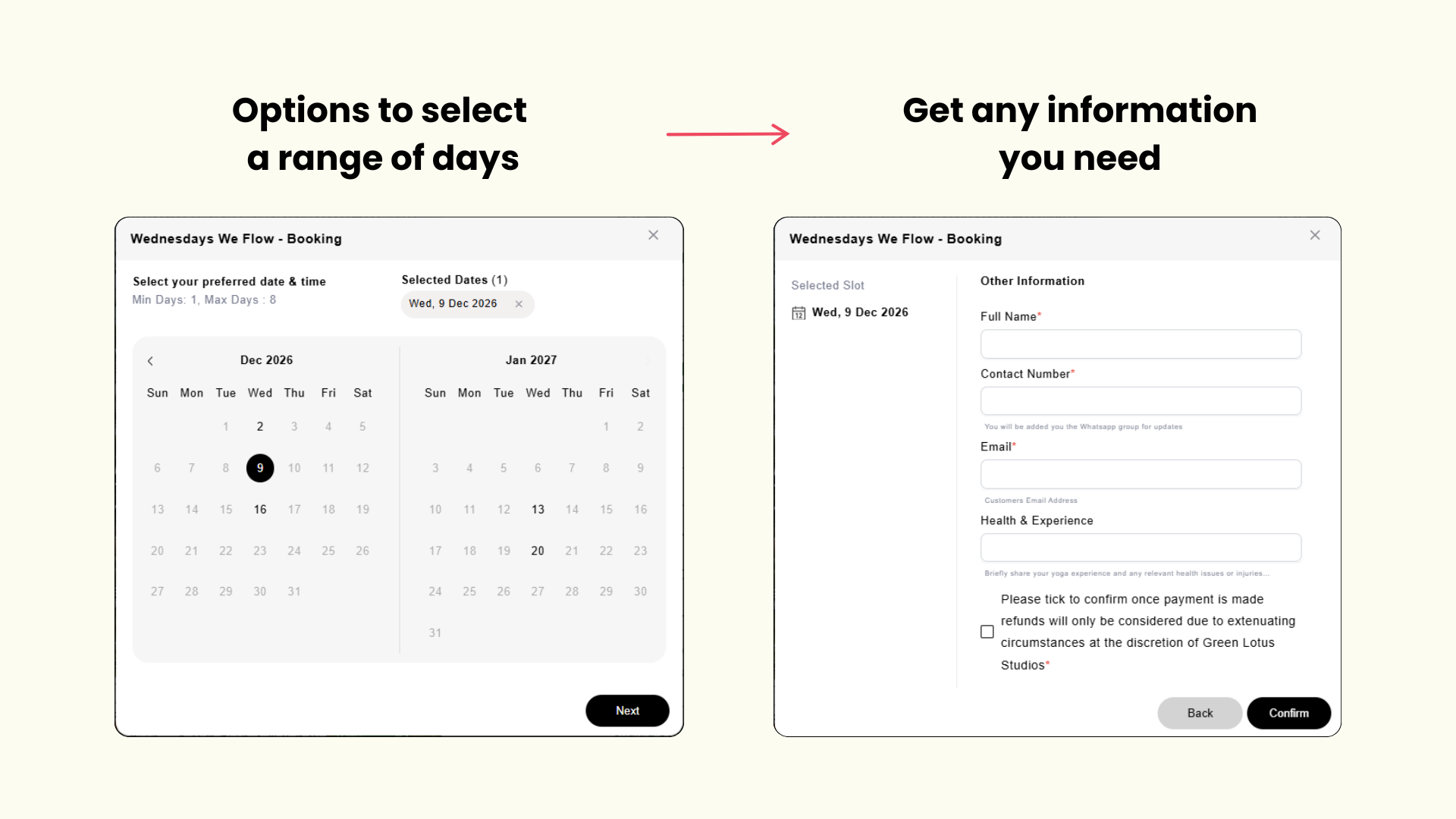
Their class page offers a monthly pass for regulars, a drop-in for people who come when they can, and a lower concession rate for those on a low income. Each option has its own price, so clients pick the one that suits them without having to message the studio first.
In the booking form, the ‘Health & Experience’ box asks about yoga experience and any health issues or injuries. Before confirming, the client ticks a box to accept the refund policy.
Why it works
People come to a class in different ways: as regulars, as occasional drop-ins, or on a tight budget. With all three on one class page, nobody has to message to ask. Before the first session, the teacher also knows who has an injury or is new to yoga, and the client has agreed to the refund terms.
What you can learn from Green Lotus Studios
List the ways people join your class as options on one page, with a price for each. Then ask only what you need to teach safely, such as experience and injuries, and add a refund-policy tick box so terms are agreed before payment.
Read also: Wine Tasting Bookings on Shopify: How 3 Real Wineries Do It.
What these 3 studios have in common
The setups are different, but the habit is the same. Each studio looked at how its classes actually run, and built the booking page around that.
All three Shopify stores use BookX, a booking app that adds a class calendar to your store. You can set days for each class, show spots left, offer ways to join, and ask the questions you need before someone walks in.
Set up gym and yoga studio bookings on your Shopify store with BookX.
You might also like:
FAQs
1. Can I use Shopify as a booking site?
Yes. A booking app like BookX adds a calendar to your store, so a client picks a class, chooses a date and books a spot.
2. What should I look for in a booking app for Shopify?
Look for an app that lets each class open only on its own days, shows spots left, offers different ways to join, and asks your own questions at booking. The three studios in this post all use BookX for this.
3. What should I look for in class booking software for a yoga studio?
For a studio, look for software that matches your real timetable: each class on its own days, with its own price and spots shown. And Breathe Yoga sets up each weekly class this way.
4. What does a booking app need to offer a solo yoga instructor?
A solo instructor usually needs one calendar for all their classes, a simple booking form, and a way to ask about a student’s experience or injuries before the first session.
5. Can clients book a yoga class online through my Shopify store?
Yes. The client books and pays from your store’s own class page. No separate booking site is needed.